
Best Mobile Apps Development Company in Bhubaneswar
Looking for the best mobile apps development company in Bhubaneswar? We’re a mobile app development company in Bhubaneswar, and we build Android, iOS and Flutter apps for businesses in Odisha and the rest of India. That includes the admin panel your office uses and the server behind it. The finished app goes live under your own Play Store and App Store accounts, not ours. Meetings happen at our Saheed Nagar office or online, with the developers who are writing your app.
 5000+ projects since 20134.9★ Google ratingAndroid, iOS & Flutter appsOffice in Saheed Nagar, Bhubaneswar
Mobile App Development in Bhubaneswar: Key Facts
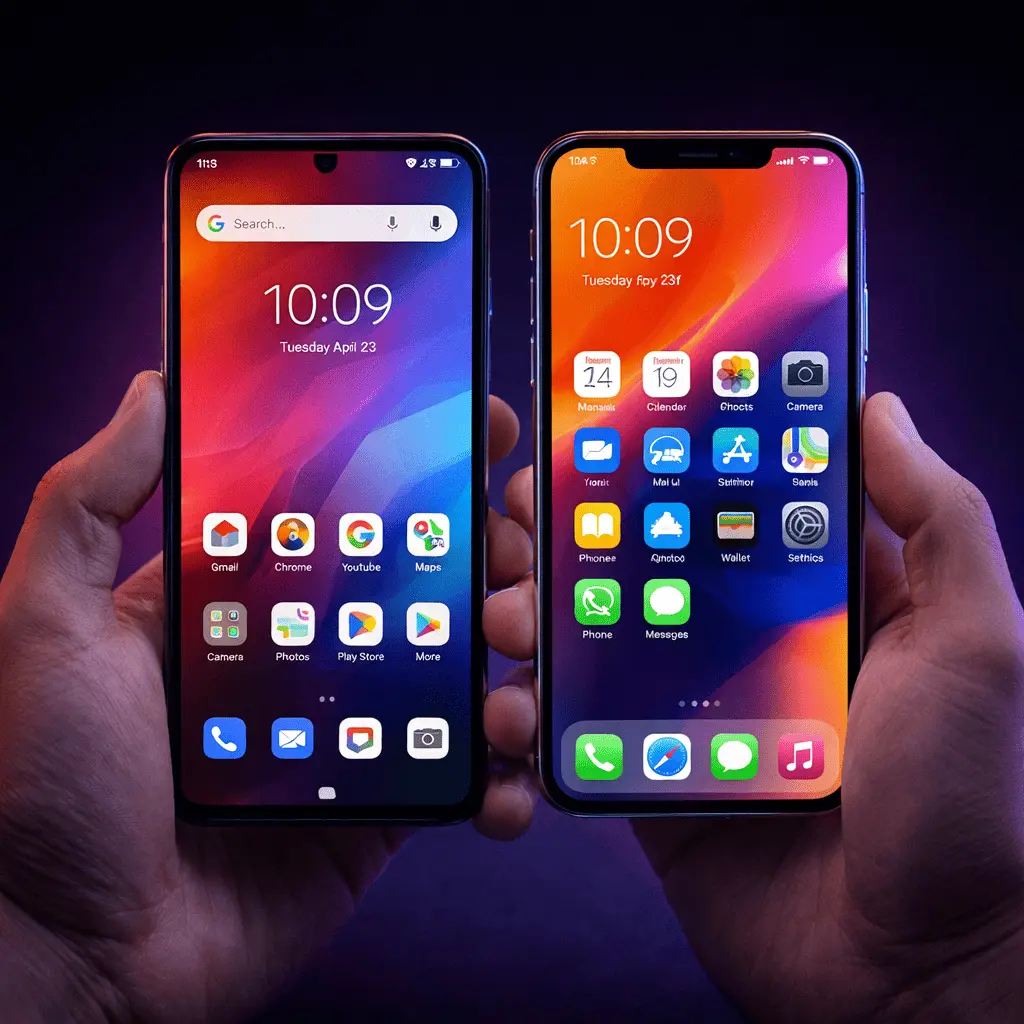
Swadhin IT Solutions (SITS India) is a mobile app development company in Bhubaneswar, in business since 2013, with one office at Plot No. 746, Saheed Nagar. It builds Android, iOS, Flutter and React Native apps for shops, clinics, schools and field teams, plus the admin panel behind them. If you are comparing the best mobile app development companies in Bhubaneswar, these are facts you can check for yourself. Call or WhatsApp +91 70085 62317 for a free requirement discussion.
- What we build
- Android, iOS and cross-platform apps, with admin panels and APIs
- Who it is for
- Shops, clinics, schools, restaurants, field teams and service businesses
- Track record
- 5000+ projects for 1200+ clients since 2013
- Rating
- 4.9★ Google rating
- Where we work
- One office, in Saheed Nagar, Bhubaneswar, and clients in 15+ countries who work with us online
- How to start
- +91 70085 62317 or WhatsApp us
Our Mobile App Development Services
On the phone side we work in Kotlin, Swift, Flutter and React Native. Behind the app it’s usually PHP, Node.js or Python, with MySQL or Firebase for the data. Pick the card closest to your idea; most projects mix two or three.
Android App Development
Most phones in India run Android, so most business apps start here. We write it in Kotlin, or in Flutter if an iPhone version is planned, and test on budget handsets as well as flagships.
iOS App Development
iPhone and iPad apps for customers who expect one, or teams that work on Apple devices. We use native Swift where the app needs deep device access. Apple’s review is stricter than Google’s, and we handle the submission and any questions it raises.
Flutter & React Native Apps
One codebase for Android and iPhone, so there’s one app to build and maintain. When a business needs both platforms, Flutter app development is what we normally suggest. React Native makes sense if your own developers already know React.
Business & Field-Staff Apps
Apps for your own people: order booking for salespeople, attendance with location, delivery tracking, daily reports. With offline mode, staff keep working where the network drops and the data syncs later.
Booking & On-Demand Apps
Appointment, table, room and service booking, or on-demand apps where a customer places a request and a provider accepts it, with live status and payment.
E-commerce & Shopping Apps
A shopping app for your store or brand with catalogue, cart, UPI payments, order tracking and push offers, sharing stock and orders with your website.
App, Admin Panel & Back-End
Almost every app needs an admin panel for managing users, orders and content, and a server with APIs for the app to talk to. We build both, or connect the app to software you already run.
App Maintenance & Updates
If another developer built your app, we start by reviewing the code and accounts. Then we fix the crashes, keep up with each year’s Android and iOS releases and store policy changes, and add features.
How Native, Flutter, React Native and Web Apps Compare
Decide this before you choose a developer. The approach decides how much work goes into building the app, testing it and updating it for years afterwards.
| Question | Native (Kotlin / Swift) | Flutter | React Native | Web app (PWA) |
|---|---|---|---|---|
| Suits | Camera-heavy apps, Bluetooth devices, all-day background location, games | Most business and customer apps that need Android and iPhone | Teams already using React, or apps sharing code with a React website | Simple tools people open now and then |
| Codebases | Two: one per platform | One, in Dart | One, in JavaScript or TypeScript | One, runs in the browser |
| Phone features | Full access | Most features; a few need native code | Most features; a few need native modules | Limited, especially on iPhone |
| Effort for both platforms | Highest: two apps to build and test | Lower: one app, tested on both | Lower: one app, tested on both | Lowest |
| Play Store & App Store | Yes | Yes | Yes | Usually not; opened from a link or home-screen icon |
| Updates later | Two codebases to update | One update for both stores | One update for both stores | Instant, no store review |
Most business apps don’t need native code. A shop, clinic or sales-team app that has to run on Android and iPhone is a good fit for Flutter, with one codebase to look after. Native earns its extra effort when the app lives on the camera, talks to Bluetooth hardware, tracks location all day, or is a game. If customers only check something once a month, a mobile-friendly web app (a progressive web app) may be enough; our article on whether your business needs a mobile app or a website walks through that choice. And if a ready-made app already does what you need, use it. You don’t need us for that.
Apps for Your Industry
You don’t always have to start from zero. Our ready-to-customise software for 70+ business types can be paired with a mobile app, so patients book appointments, parents check fees or waiters take orders at the table. App and software share one database, so nothing is typed twice.
Food & hospitality
Schools & shops
The full list of business types is on our page for software development in Bhubaneswar. If yours isn’t there, we build the app from scratch.
How it works
How We Build Your App
Four steps, in the same order for every app. At any point you can ask where things stand and get a straight answer, including what we’re waiting on from you.
Requirement & Written Scope
We meet in person or online and agree who will use the app and which features the first version needs. Scope, screens and timeline go in writing before anyone writes code.
Design & Clickable Prototype
You try every screen as a clickable prototype on your own phone. Moving a button or changing a flow is quick at this stage and slow once it’s coded.
Build in Phases, Test on Real Phones
We build in short phases and send working builds to your phone. Each release is tested on real Android phones of different sizes and price ranges, and on iPhones for iOS apps.
Store Publishing & Support
We prepare the listing and publish the app under your own Google Play Console and Apple Developer Program accounts. The source code and every login are handed to you. After launch, we look after crash fixes and yearly OS updates, and build whatever you add next.

What Affects Mobile App Development Cost
We don’t publish fixed prices. Two apps that sound alike on a phone call can need very different amounts of work once you list the screens. This is what moves the cost:
- Features and screens. Each feature, from login and search to chat or a wallet, adds design, code and testing.
- Android, iOS or both. One platform is cheaper to start with. Flutter or React Native keeps the second platform from doubling the work.
- Design. A clean, standard interface takes less time than custom illustrations and animation.
- Admin panel and back-end. Most apps need a server, database and admin panel, which can be as big a job as the app.
- Integrations. Payment gateway, maps, SMS or WhatsApp, GST invoicing, or a link to your accounting or ERP software.
- Store accounts and hosting. Google Play and Apple charge their own developer account fees, and the server has a running hosting cost.
- Support after launch. Updates for new Android and iOS versions, bug fixes, backups and new features. Google Play sets a target API level that every app has to keep up with, so some yearly work is unavoidable.
Our guide to mobile app development cost in India explains each factor. For your own app, book a free requirement discussion and we’ll send a written estimate.
Send Us Your App Idea
A few lines are enough, or a voice note on WhatsApp. Say what the app should do and who will use it. We’ll come back with questions first, then a suggested approach.
Features Businesses in Odisha Often Need
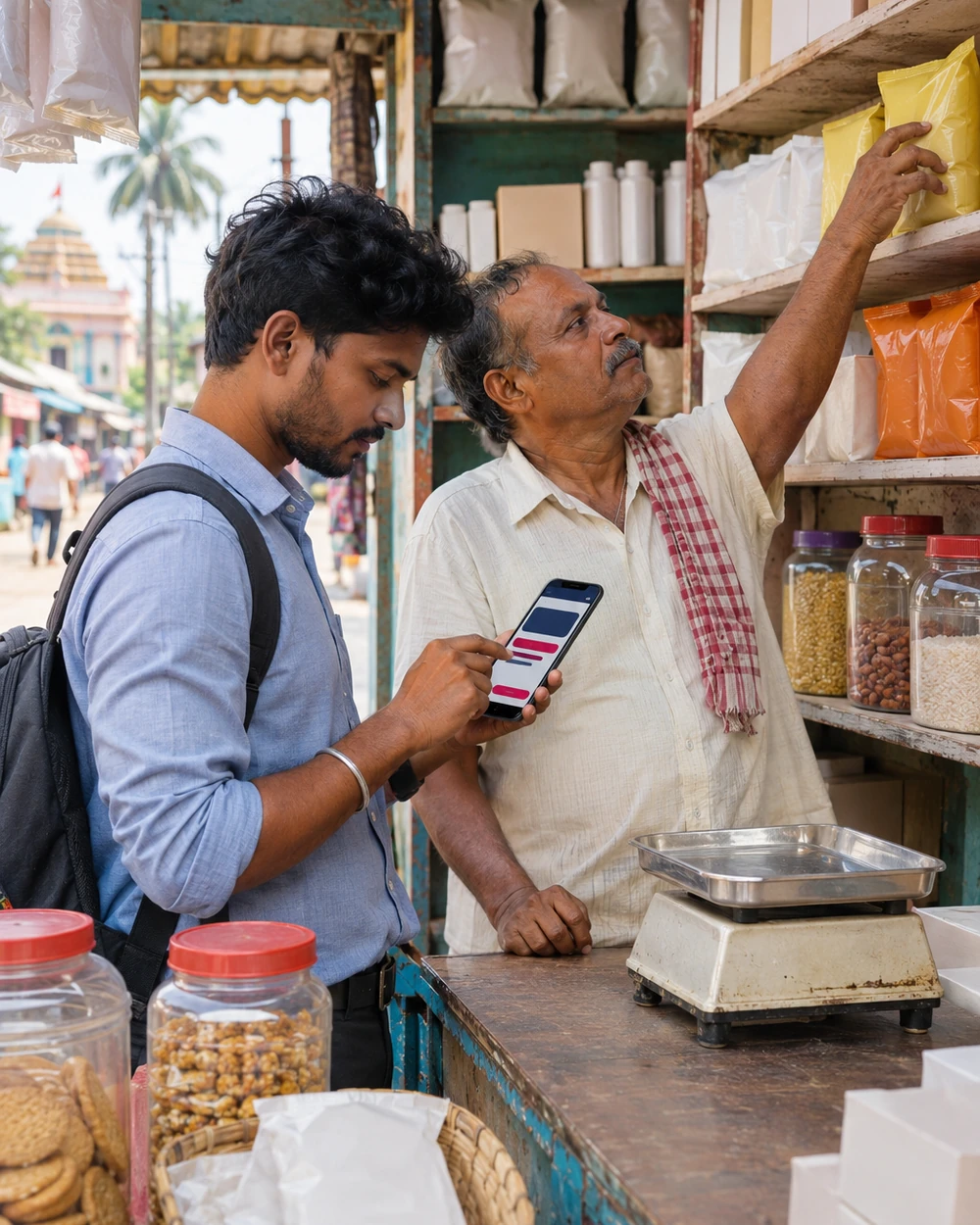
Some features matter more here than in a generic app. Say you’re a distributor in Rourkela whose salespeople visit shops across Sundargarh district. They have to book orders on a weak signal, collect UPI payments and send the GST bill on WhatsApp. Plan features like these from the first screen, because adding offline sync to a finished app means reworking how it stores data.
- UPI and payment gateway. Customers pay by UPI, card or net banking through a gateway in your business’s name, with payment status in the admin panel.
- GST invoices. Orders produce GST invoices with your GSTIN and HSN or SAC codes, ready to share as a PDF or print.
- Odia and Hindi screens. Odia, Hindi and English with a simple language switch, for staff and customers who’d rather not use English.
- Offline mode. Patchy 4G on highways or in villages shouldn’t stop work. Data is saved on the phone and syncs when the signal returns.
- WhatsApp and SMS alerts. Order confirmations, OTPs, reminders and delivery updates, alongside the app’s own push notifications, sent through Firebase Cloud Messaging.
- Google Maps. Built on the Google Maps Platform: store locator, pinned delivery addresses, live tracking of riders or field staff, and route view.
Alerts can go through our bulk SMS service in Bhubaneswar. For businesses elsewhere in the state, see our page on the mobile application development company in Odisha and the list of Odisha cities we work with.
Why Work With SITS on Your App
This is what the best mobile apps development company in Bhubaneswar should be able to show you. Put these next to what other app developers tell you.
Building Since 2013
12+ years in business, through a lot of Android versions and store-rule changes. Keeping an app working through those changes is half the job.
5000+ Projects, 1200+ Clients
Counted since 2013 across websites, software and apps together. It isn’t a count of apps alone.
4.9★ Google Rating
The reviews are public on Google. Read the detailed ones, good and bad.
Clients in 15+ Countries
Clients abroad install test builds on their own phones and meet us on video calls. The process is the same as for a client in Bhubaneswar.
Office in Saheed Nagar
Plot No. 746, Saheed Nagar. Come in, meet the people building your app and try the latest build on a phone.
App, Server and Admin Panel Together
The app, its back-end, your website and your marketing can all sit with us. When something breaks, there’s no second vendor to blame.
See website design and digital marketing for those services, and our IT company in Bhubaneswar page for everything else we do. If you’re comparing agencies, use our checklist for choosing an app development company in Bhubaneswar, on us too.
How to Choose the Best Mobile Apps Development Company in Bhubaneswar
Nobody publishes an official ranking of app developers in the city, so “best” has to mean best for your project. Run the same six checks on every company you shortlist, including us.
- Apps you can install. Ask for apps that are live on Google Play or the App Store today, then install one and use it for ten minutes.
- Who owns the accounts and the code. The app should be published under your own developer accounts, and the source code should be handed to you in writing. Both stores explain how accounts work: Google Play Console and the Apple Developer Program.
- A written scope. Screens, features, platforms and timeline should be on paper before any code is written. A price quoted on the first call, with no questions asked, is a warning sign.
- Store rules. A good developer knows the App Store Review Guidelines and Google’s testing requirements for new developer accounts, and plans the launch around them.
- Support after launch. Ask who fixes crashes, who updates the app for each new Android and iOS version, and how fast they reply.
- Reviews and an office you can visit. Read the company’s Google reviews, good and bad, and meet the people who will write your app.

The full checklist, with questions to ask and contract points, is in our guide on how to choose a software development company in Bhubaneswar. For budgeting, read what drives mobile app development cost in India.
Questions About Hiring a Mobile App Development Company in Bhubaneswar
What business owners usually ask us before an app project starts.
Which is the best mobile apps development company in Bhubaneswar?
How much does it cost to develop a mobile app in Bhubaneswar?
Should I build for Android or iPhone first?
Which is better, native or cross-platform?
Flutter or React Native: which do you recommend?
How long does it take to build a mobile app?
Will you publish the app on the Play Store and App Store?
Can you take over an app another developer built?
Do you build apps for businesses outside Bhubaneswar?
Talk to Our App Team
Tell us what the app should do, who will use it and which phones it has to run on. The form opens WhatsApp with your message ready to send, or you can call or come to the office.
Contact Information
Our Office
Plot No. 746, Saheed Nagar, Bhubaneswar, Odisha 751007
Email Us
Call Us
Business Hours
Mon – Fri: 9:30 AM – 8:00 PM
Sat: 8:00 AM – 8:00 PM · Sun: closed