
File Tracking System and E-Office Software
In a busy office, the hardest question is often where is the file. Swadhin IT Solutions develops a file tracking system that records every file and letter, shows which desk it is on and for how long, and can move the whole note-and-approval process online as e-office software.
 5000+ projects since 20131200+ clients in 15+ countries4.9★ Google ratingWritten scope and fixed quote
File Tracking System: Key Facts
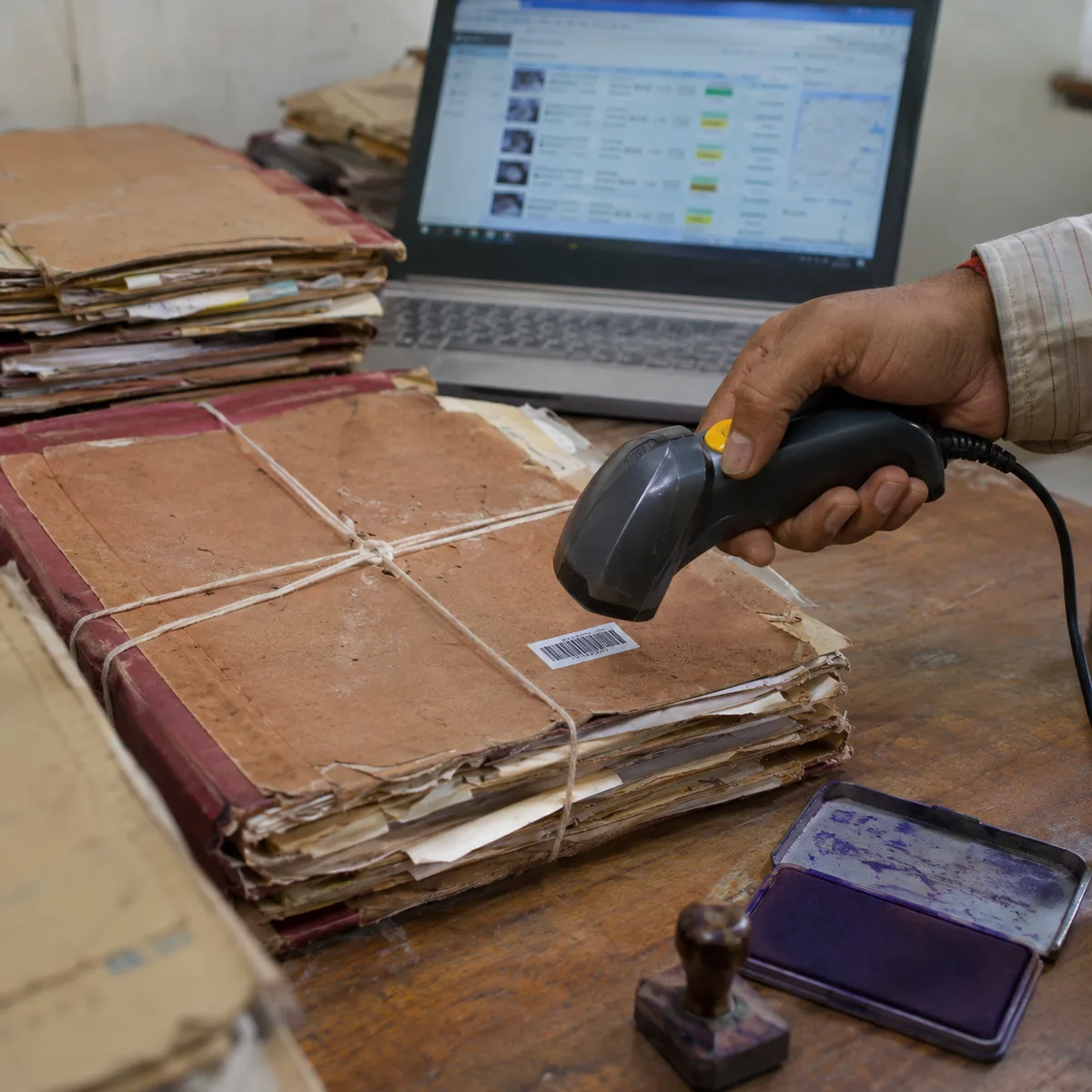
Swadhin IT Solutions (SITS India) builds file tracking and e-office software from Saheed Nagar, Bhubaneswar, and has developed business software since 2013. The system registers incoming letters and files, labels them with a barcode or QR code, tracks movement between desks, records notes and approvals, raises pendency alerts and keeps a searchable archive. Call or WhatsApp +91 70085 62317.
- What it covers
- Inward and outward register, file movement, notes and approvals, pendency alerts, search and reports
- Who it is for
- Government offices, universities and colleges, corporations, hospitals, courts and large private offices
- How it runs
- On your own server or an approved cloud, in a browser and on mobile, in English and regional languages
- Support
- Section and user set-up, staff training and support by phone, WhatsApp and remote access
File Tracking and E-Office Modules
Offices usually begin by tracking paper files, and then move new files to a fully electronic flow.
Inward and Outward Register
Every letter, application and file is given a number, subject, sender and section at the receipt counter, with a scanned copy attached.
Barcode or QR Labels
A label on each file is scanned when it leaves one desk and reaches the next, so its location is always known.
Movement Tracking
A timeline shows every desk the file visited, who received it and how long it stayed.
Notes and Approvals
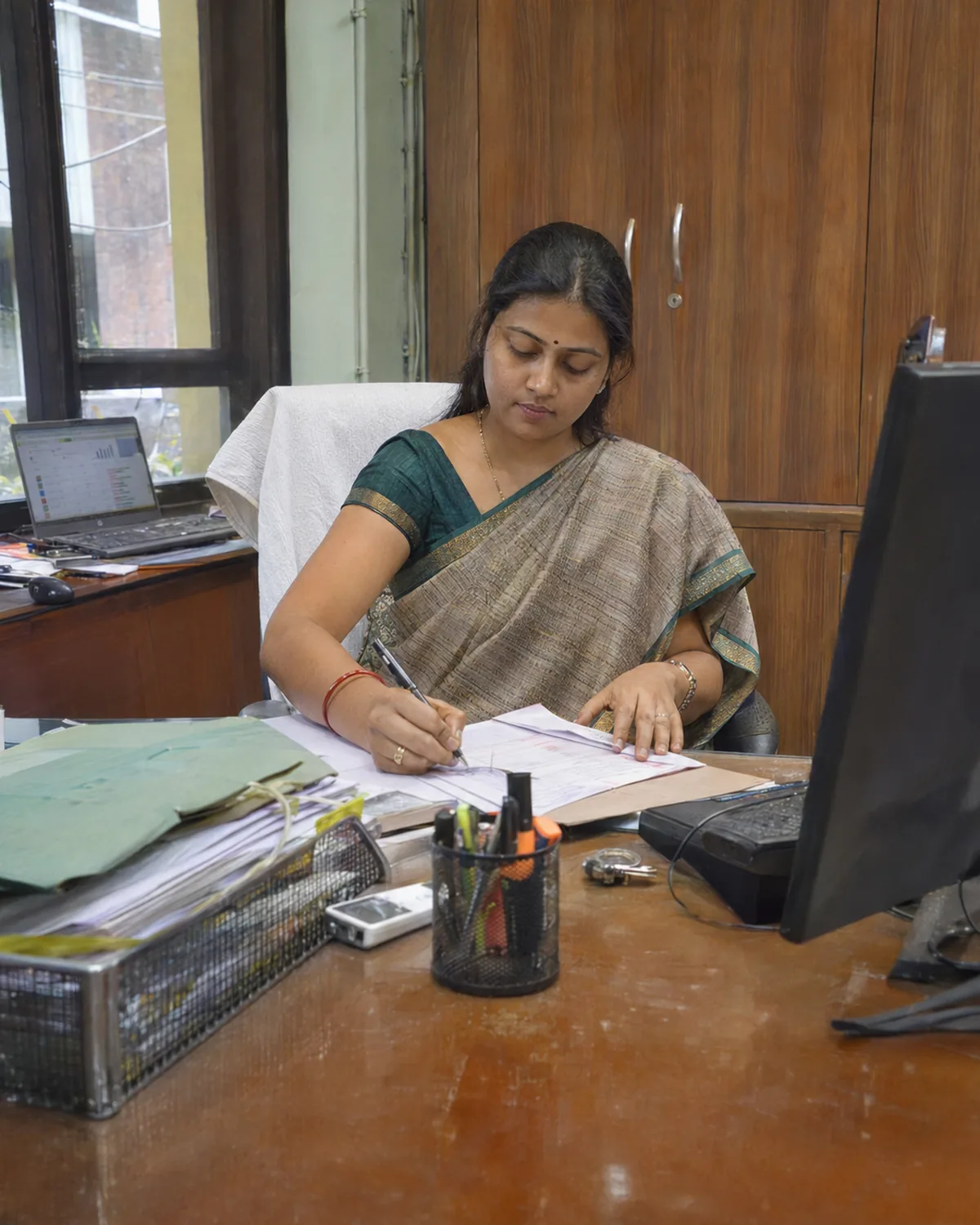
Officers write notes, mark the file to the next level and approve with a recorded date and time, on paper files or fully online.
Pendency Alerts
Files that stay on a desk beyond the allowed days are flagged to the officer and the superior.
Search and Reports
Find a file by number, subject, sender or date, and see pendency by section and officer for review meetings.
Who Uses a File Tracking System
Wherever decisions move on files, tracking shortens the wait.
- Government departments and directorates. Receipt, movement and disposal of files with pendency reports for monthly reviews.
- Universities and colleges. Student applications, affiliation and examination files across sections.
- Corporations and public undertakings. Purchase proposals, bills and approvals with a clear trail.
- Hospitals. Movement of medical record files between the records room, wards and departments.
- Legal and professional offices. Case files and client papers tracked between partners and clerks.
Public bodies can also see our government website design and software for government departments pages.
How it works
How a File Tracking Project Runs
The system follows your existing office procedure; staff do not need to learn a new one.
Study
We map sections, file types, movement rules, time limits and report formats.
Set-Up
Sections, users, roles, numbering and labels are configured.
Training and Pilot
One section starts first, and its experience is used to train the rest.
Roll-Out and Support
All sections join, old pending files are entered, and we support the office afterwards.
What an Office Gains From Tracking Files
The benefits appear within the first month, and they are easy to measure.
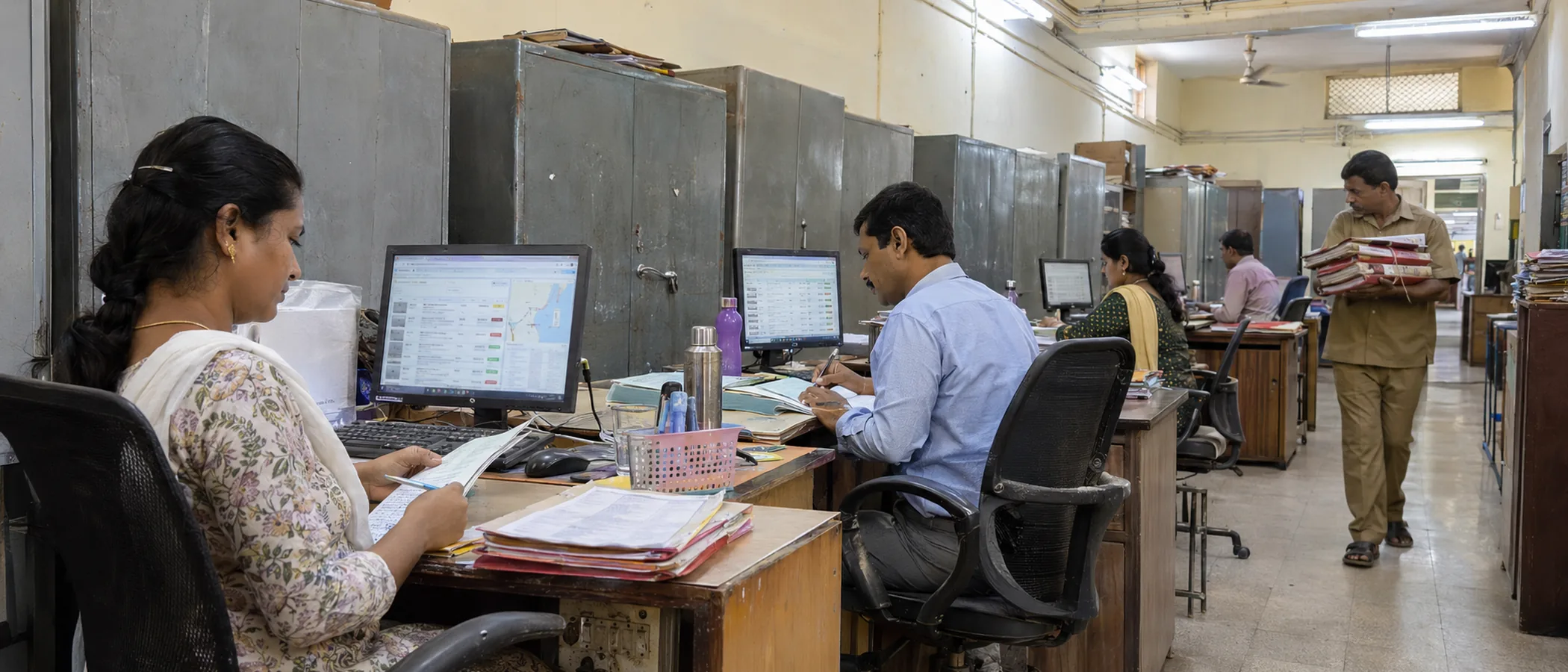
- No more searching. Any file’s present desk is found in seconds.
- Accountability. Delays are visible by desk, so they are discussed with facts.
- Faster replies to the public. The counter can tell an applicant exactly where the matter stands.
- A reliable record. Who received what and when is logged and cannot be altered quietly.
- An easy path to paperless work. The same system carries electronic files when the office is ready.
We build it to your office procedure as a software company in Bhubaneswar.
See also: Complaint Management System, ISP Billing Software and Gas Agency Software.
Still Asking Where the File Is?
Tell us the size of your office and how files are registered today. We will show a demo that follows your procedure.
Why Offices Choose SITS
In Business Since 2013
Founded in Bhubaneswar in 2013. Since then we have delivered 5000+ projects for 1200+ clients in 15+ countries.
One Office, One Team
Design, development, marketing and support work from one office in Saheed Nagar, so you speak to the people doing the work.
Written Scope Before Work Starts
You get the scope, timeline and a fixed quote in writing after a free requirement discussion. Nothing starts until you approve it.
You Own What We Build
Source code, design files, content, logins and data are handed over to you. Domains, hosting and advertising accounts are set up in your name.
4.9★ on Google
Clients rate Swadhin IT Solutions 4.9 on Google. Read the reviews before you decide.
Support After Launch
We stay available by phone, WhatsApp and remote access for fixes, updates and new features after the work goes live.
File Tracking System: Frequently Asked Questions
What is a file tracking system?
How is e-office different from file tracking?
Do we need barcode scanners?
Can it work in Odia or Hindi?
Can it be installed on our own server?
How much does a file tracking system cost?
Talk to Our Software Team
Tell us the type of office, the number of sections and roughly how many files you handle in a month. The form opens WhatsApp with your message ready to send, or you can call or come to the office.
Contact Information
Our Office
Plot No. 746, Saheed Nagar, Bhubaneswar, Odisha 751007
Email Us
Call Us
Business Hours
Mon – Fri: 9:30 AM – 8:00 PM
Sat: 8:00 AM – 8:00 PM · Sun: closed