- Have any Query ?
- +91-7008562317
- +91-9438140285
- webmaster@sitsindia.co.in

Redirect to custom url after woocommerce checkout
How can you redirect clients to a perfectly looking, custom, item explicit thank you page?
Fortunately you can add some PHP code to your functions.php and characterize a redirect to a custom URL (instead of the default request got endpoint). This is an incredible route for you to include explicit up-sells, online media share and other data that could assist you with changing over extra sales.
Step 1:
Go to Appearance > Theme Editor > functions.php
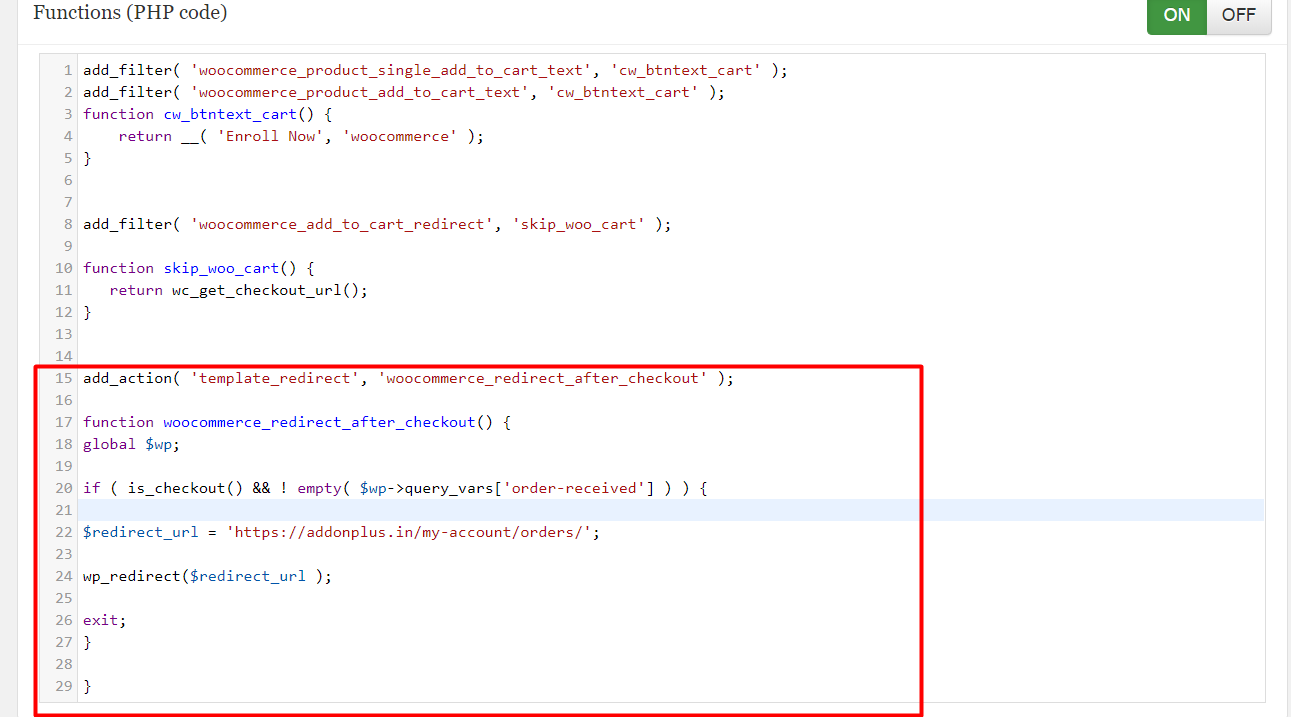
Step 2 : Copy and paste this code into functions.php file.
add_action( ‘template_redirect’, ‘woocommerce_redirect_after_checkout’ );
function woocommerce_redirect_after_checkout() {
global $wp;
if ( is_checkout() && ! empty( $wp->query_vars[‘order-received’] ) ) {
$redirect_url = ‘https://addonplus.in/my-account/orders/’;
wp_redirect($redirect_url );
exit;
}
}