
AI Automation Services for Business Workflows
Every office has work that is repeated all day: copying enquiries into a sheet, typing invoices into accounts, answering the same five questions. Swadhin IT Solutions is an AI automation agency in Bhubaneswar that builds software to do that work for businesses across India, with a person still in charge of the decisions that matter.
 5000+ projects since 20131200+ clients in 15+ countries4.9★ Google ratingWritten scope and fixed quote
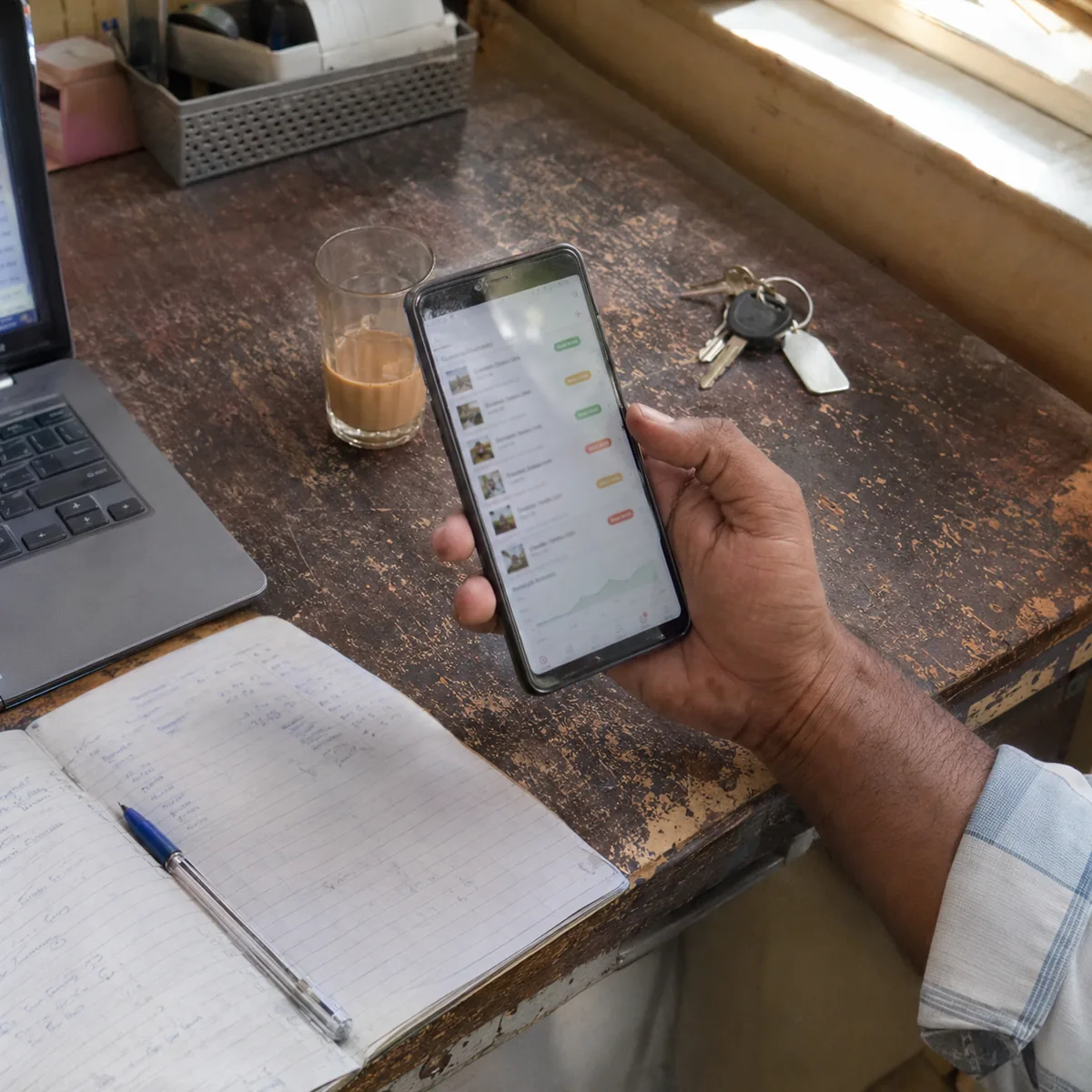
AI Automation Agency: Key Facts
Swadhin IT Solutions (SITS India) provides AI automation services from Saheed Nagar, Bhubaneswar, and has built business software since 2013. We automate lead handling, document data entry, customer replies, reports and approvals, and connect them to the tools you already use, such as WhatsApp, email, spreadsheets, CRM and accounting software. Each workflow is tested on your own data before it goes live. Call or WhatsApp +91 70085 62317.
- What we do
- Workflow automation, document data extraction, AI assistants for customer replies, reports and system integration
- Who it is for
- Businesses whose staff spend hours on repeated typing, copying, checking and replying
- What you get
- A working automation, a written note of what it does and does not do, and training for your staff
- How we work
- By phone, video call and email from Bhubaneswar, for clients anywhere in India
AI Automation Services We Provide
We start with one workflow that wastes the most time, prove it, and then move to the next.
Lead Handling
Enquiries from the website, advertisements, WhatsApp and phone are captured in one place, answered at once with the right information and passed to the right salesperson with a reminder.
Document Data Entry
Details are read from invoices, purchase orders, forms and identity documents and filled into your accounts or ERP, with unclear items sent to a person to check.
Customer Reply Assistants
An assistant on your website or WhatsApp answers common questions from your own approved content, in English, Hindi or Odia, and hands over to staff when it is unsure.
Reports and Summaries
Daily sales, stock, collection and attendance figures are pulled from your systems and sent as a short summary to the people who need them.
Approvals and Reminders
Leave, purchase and payment requests move to the right approver on their phone, with reminders and a record of who approved what.
System Integration
Your website, CRM, billing, accounting software and spreadsheets are connected so that data is typed once and not three times.
Which Work Is Worth Automating?
Not everything should be automated. These five tests tell us whether a task is a good candidate.
- It is repeated often. Daily or weekly, by several people, in the same way each time.
- The rules are clear. A person can explain in a few sentences how the task is done and what the exceptions are.
- The data is digital, or can be. Emails, forms, PDFs, sheets and photographs of documents can be read; unrecorded phone calls cannot.
- Mistakes are costly or common. Typing errors in invoices, missed follow-ups and late reminders are typical examples.
- A person can still review. The best results come when software does the routine part and a person checks the exceptions.
If a task fails most of these tests, we say so. Sometimes a simple form or a better report solves the problem without any AI.

How it works
How an Automation Project Runs
Projects are kept small on purpose, so that you see a result within weeks and can stop or continue.
Workflow Study
We sit with the people who do the work, watch how it is done today and write down the steps, volumes and exceptions.
Scope and Quote
You get a written scope for one workflow: what will be automated, what stays manual and how success will be measured.
Build and Test on Your Data
The automation runs alongside the manual process on real data until the results match and your staff trust it.
Go Live and Support
The manual step is switched off, staff are trained, and we stay available for changes and fixes.

What AI Automation Can and Cannot Do
AI tools are useful and imperfect. We build with their limits in mind.
- It can misread. Handwriting, poor scans and unusual formats cause errors, so important fields are checked by a person or by a second rule.
- It should not decide alone. Payments, refunds, medical or legal replies and anything that affects a customer’s money stay with your staff.
- Your data stays yours. We tell you which services process your data and where, and we design for the Digital Personal Data Protection Act, 2023.
- It needs upkeep. Formats, prices and policies change. A workflow needs a named owner in your office and a support arrangement.
- It does not replace a process. If the manual process is unclear, automation only makes the confusion faster. We fix the process first.
For wider questions about where AI fits in your company, see AI consultation services and our AI software development page.
Which Task Eats the Most Time in Your Office?
Describe one piece of repeated work. We will tell you honestly whether it can be automated and what that would involve.
Why Businesses Choose SITS for AI Automation
In Business Since 2013
Founded in Bhubaneswar in 2013. Since then we have delivered 5000+ projects for 1200+ clients in 15+ countries.
One Office, One Team
Design, development, marketing and support work from one office in Saheed Nagar, so you speak to the people doing the work.
Written Scope Before Work Starts
You get the scope, timeline and a fixed quote in writing after a free requirement discussion. Nothing starts until you approve it.
You Own What We Build
Source code, design files, content, logins and data are handed over to you. Domains, hosting and advertising accounts are set up in your name.
4.9★ on Google
Clients rate Swadhin IT Solutions 4.9 on Google. Read the reviews before you decide.
Support After Launch
We stay available by phone, WhatsApp and remote access for fixes, updates and new features after the work goes live.
AI Automation: Frequently Asked Questions
What is AI automation?
What does an AI automation agency do?
Which business processes can be automated?
How much does AI automation cost?
Is our data safe?
Will automation replace our staff?
Talk to Our Automation Team
Tell us the task you want to automate, how often it is done and which software you use today. The form opens WhatsApp with your message ready to send, or you can call or come to the office.
Contact Information
Our Office
Plot No. 746, Saheed Nagar, Bhubaneswar, Odisha 751007
Email Us
Call Us
Business Hours
Mon – Fri: 9:30 AM – 8:00 PM
Sat: 8:00 AM – 8:00 PM · Sun: closed