
WhatsApp Chatbot Development for Business
Your customers already ask their questions on WhatsApp, often after office hours. Swadhin IT Solutions builds WhatsApp chatbots that answer common questions, take bookings and orders and pass serious enquiries to your staff, for businesses across India.
 5000+ projects since 20131200+ clients in 15+ countries4.9★ Google ratingWritten scope and fixed quote
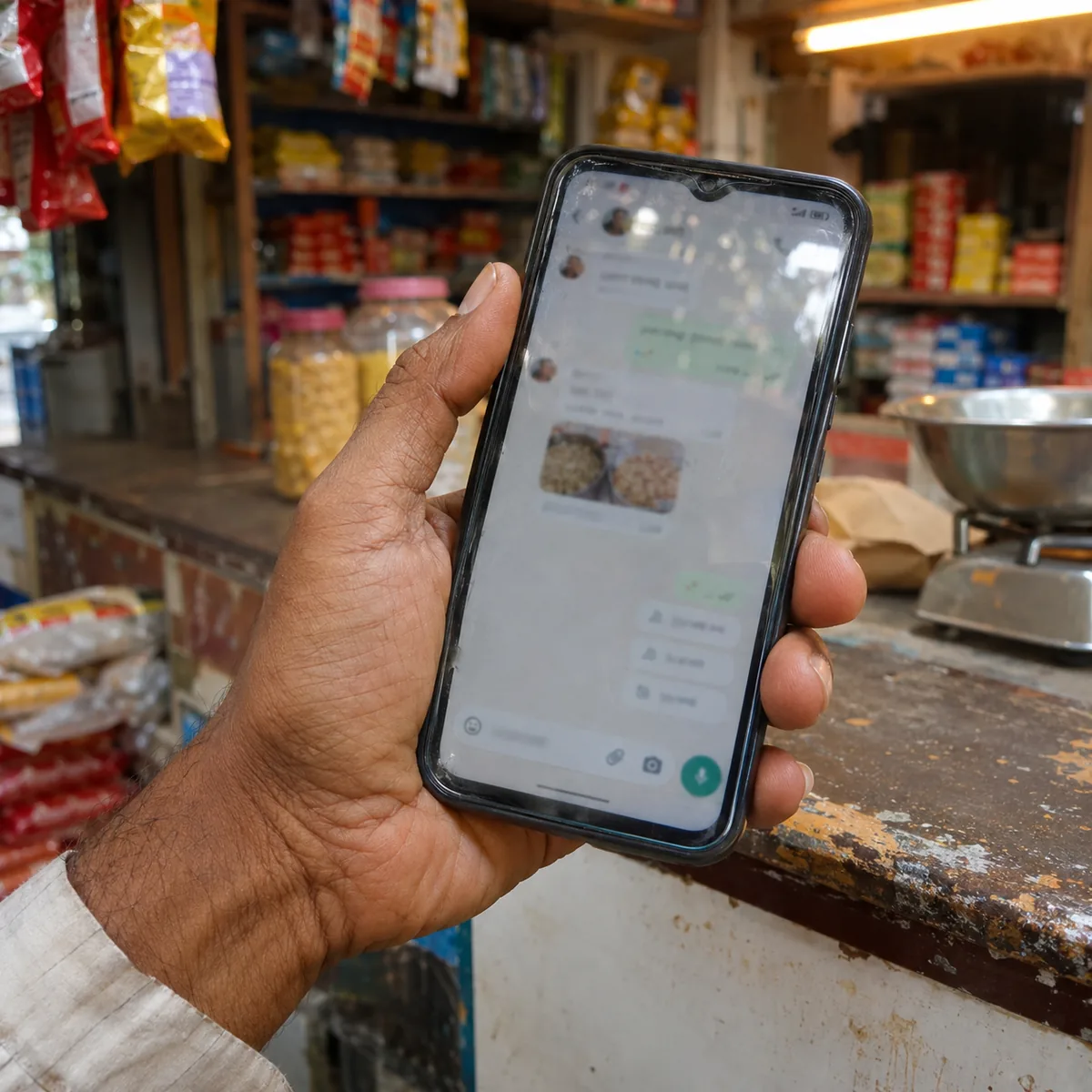
WhatsApp Chatbot Development: Key Facts
Swadhin IT Solutions (SITS India) develops WhatsApp chatbots from Saheed Nagar, Bhubaneswar, and has built business software since 2013. A WhatsApp chatbot runs on the official WhatsApp Business Platform, replies at once from a menu or from your approved content, collects details, books appointments, shares order status and hands the chat to a person when needed. Call or WhatsApp +91 70085 62317.
- What we do
- Chatbot design and development, WhatsApp Business Platform set-up, message templates, CRM and website integration
- Who it is for
- Clinics, schools, coaching centres, hotels, shops, service companies, builders and online stores
- What you get
- A working chatbot on your own business number, a shared inbox for staff and a report of chats
- How we work
- By phone, video call and email from Bhubaneswar, for clients anywhere in India
WhatsApp Chatbot Services We Provide
A chatbot can be a simple menu or a full assistant. We build what your volume of chats justifies.
FAQ and Menu Chatbots
Customers pick from buttons and lists to get timings, location, fees policy, brochures and other standard answers at any hour, in English, Hindi or Odia.
Lead Capture and Qualification
The chatbot asks a few questions, such as the service needed, the city and the budget range, and sends the enquiry to the right salesperson with the answers.
Appointments and Bookings
Customers choose a date and slot in the chat, receive a confirmation and get a reminder before the visit.
Order Status and Updates
Order, dispatch, delivery and payment messages are sent from your store or billing software, and customers can ask for status by typing an order number.
WhatsApp Business Platform Set-Up
We help with the business account, number registration, display name and message templates, working through an authorised solution provider.
Shared Inbox and Handover
When the chatbot cannot answer, the chat moves to a staff member in a shared inbox, with the earlier conversation visible.
WhatsApp Rules Your Chatbot Must Follow
WhatsApp is strict about business messaging, and numbers that break the rules are restricted. We design within them.
- Opt-in first. A business may message a customer only if the customer has agreed to receive messages from it on WhatsApp.
- Templates for business-started messages. Messages you start, such as reminders and offers, must use templates approved by Meta in advance.
- Free-form replies have a time window. After a customer writes to you, you can reply freely for a limited period; after that only templates can be sent.
- Meta charges for messages. Meta bills business messages by category through the solution provider. These charges are separate from our development fee.
- Easy opt-out. Customers must be able to stop messages, and repeated unwanted messages lower your number’s quality rating.
The WhatsApp Business app on a phone is fine for a small shop. A chatbot needs the Business Platform, which is what this service sets up.
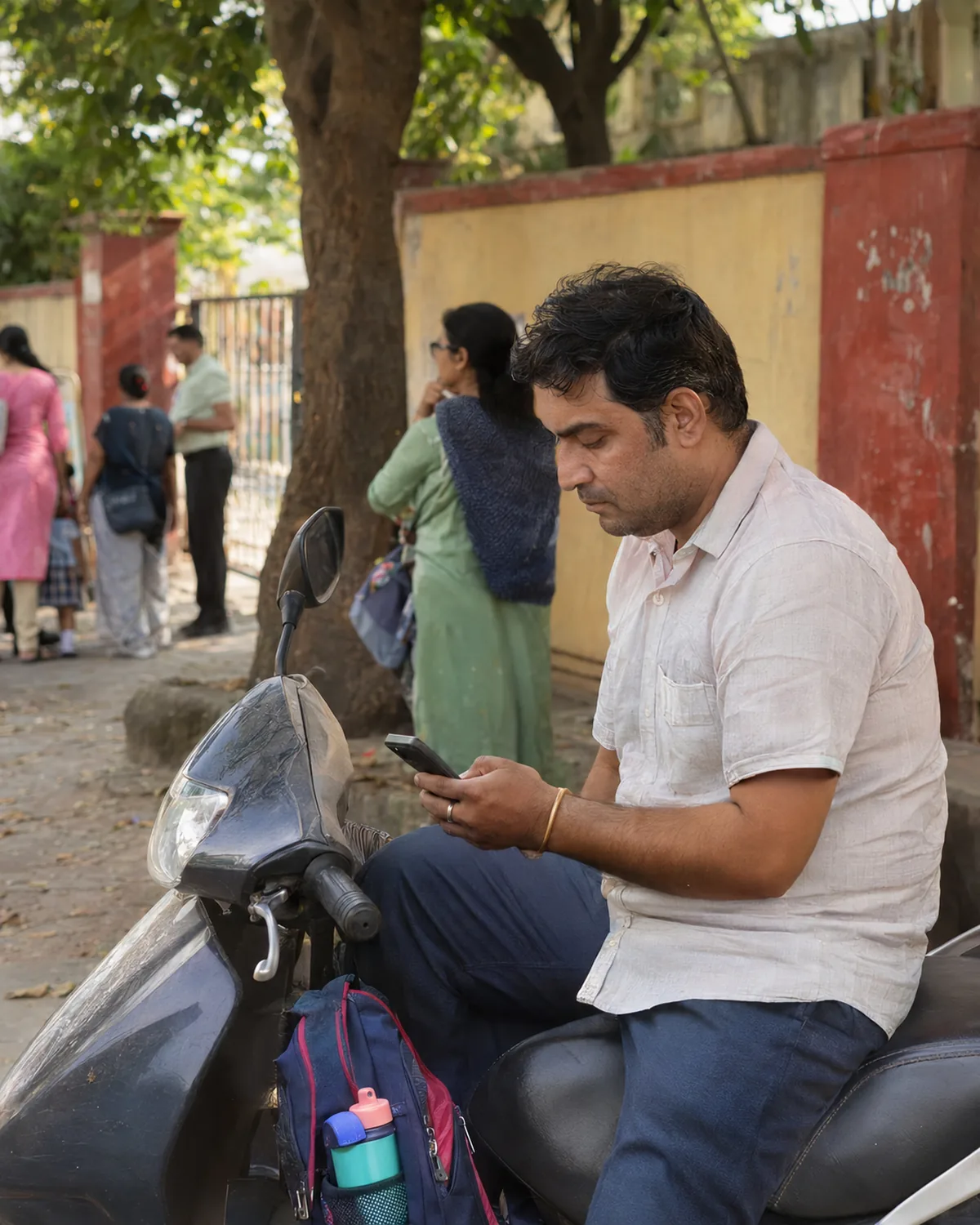
How it works
How a WhatsApp Chatbot Project Runs
A menu chatbot is quick to build. Integration with your software takes longer and is scoped separately.
Conversation Design
We list the questions customers ask most, write the replies with you and draw the conversation flow.
Account and Templates
The WhatsApp Business Platform account, number and message templates are set up and sent for approval.
Build and Test
The chatbot is built, connected to your website, CRM or billing software and tested with real conversations.
Go Live and Improve
Staff are trained on the shared inbox, and we review chat reports with you to improve the replies.

How Different Businesses Use a WhatsApp Chatbot
The same building blocks are arranged differently for each trade.
- Clinics and hospitals. Doctor timings, appointment booking, reminders and report-ready messages.
- Schools and coaching centres. Admission enquiries, fee reminders, notices and attendance messages to parents.
- Hotels, restaurants and travel. Room or table enquiries, menus, booking confirmation and directions.
- Shops and online stores. Catalogue browsing, order status, delivery updates and abandoned-cart reminders.
- Builders and service companies. Brochure sharing, site-visit booking and instant replies to advertisement leads.
For automation beyond WhatsApp, see AI automation services. To add a chat button to your site, read how to add a WhatsApp chat button.
How Many Chats Go Unanswered After Office Hours?
Tell us what customers ask you on WhatsApp. We will suggest a chatbot flow and what it should connect to.
Why Businesses Choose SITS for WhatsApp Chatbots
In Business Since 2013
Founded in Bhubaneswar in 2013. Since then we have delivered 5000+ projects for 1200+ clients in 15+ countries.
One Office, One Team
Design, development, marketing and support work from one office in Saheed Nagar, so you speak to the people doing the work.
Written Scope Before Work Starts
You get the scope, timeline and a fixed quote in writing after a free requirement discussion. Nothing starts until you approve it.
You Own What We Build
Source code, design files, content, logins and data are handed over to you. Domains, hosting and advertising accounts are set up in your name.
4.9★ on Google
Clients rate Swadhin IT Solutions 4.9 on Google. Read the reviews before you decide.
Support After Launch
We stay available by phone, WhatsApp and remote access for fixes, updates and new features after the work goes live.
WhatsApp Chatbot: Frequently Asked Questions
What is a WhatsApp chatbot?
Do I need the WhatsApp Business API for a chatbot?
How much does a WhatsApp chatbot cost?
Can I use my existing business number?
Can the chatbot reply in Hindi or Odia?
Can a person take over the chat?
Talk to Our Chatbot Team
Tell us your business, what customers ask on WhatsApp and roughly how many chats you get in a day. The form opens WhatsApp with your message ready to send, or you can call or come to the office.
Contact Information
Our Office
Plot No. 746, Saheed Nagar, Bhubaneswar, Odisha 751007
Email Us
Call Us
Business Hours
Mon – Fri: 9:30 AM – 8:00 PM
Sat: 8:00 AM – 8:00 PM · Sun: closed