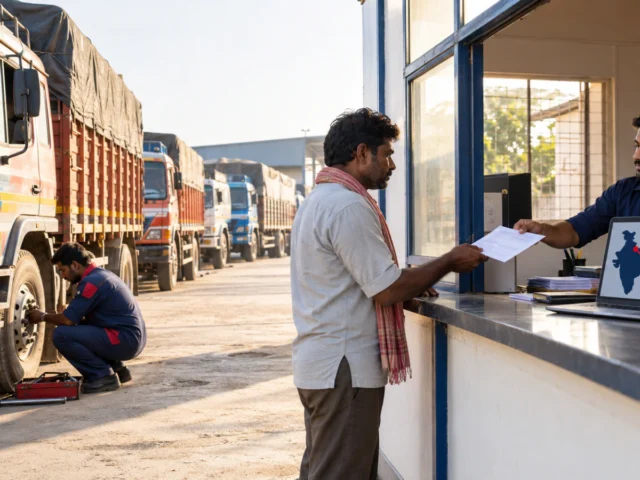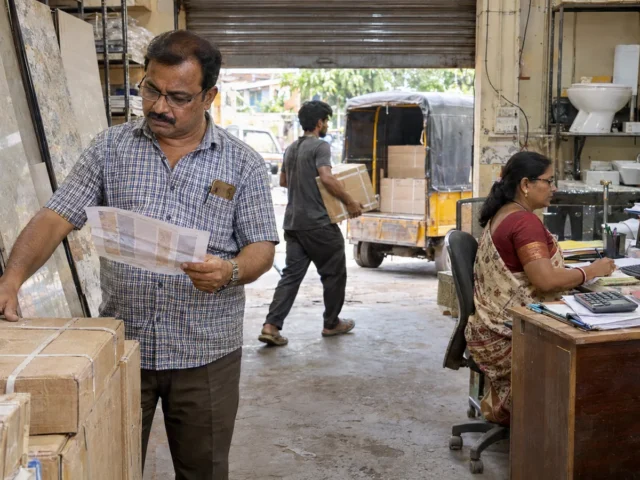
Short answer: ERP modules are the parts of an ERP system that each handle one area of work, such as accounts, sales, purchase, inventory, production, HR and payroll, CRM and reports, all sharing one database. For an Indian SME, each module must also produce its compliance output: e-invoices, e-way bills, purchase matching, TDS data or PF files.
- Most SMEs start with four core modules: accounts, sales, purchase and inventory.
- Add production, payroll or CRM only when that department’s work starts slipping.
- Before signing, map each module to the Indian rule it must follow.
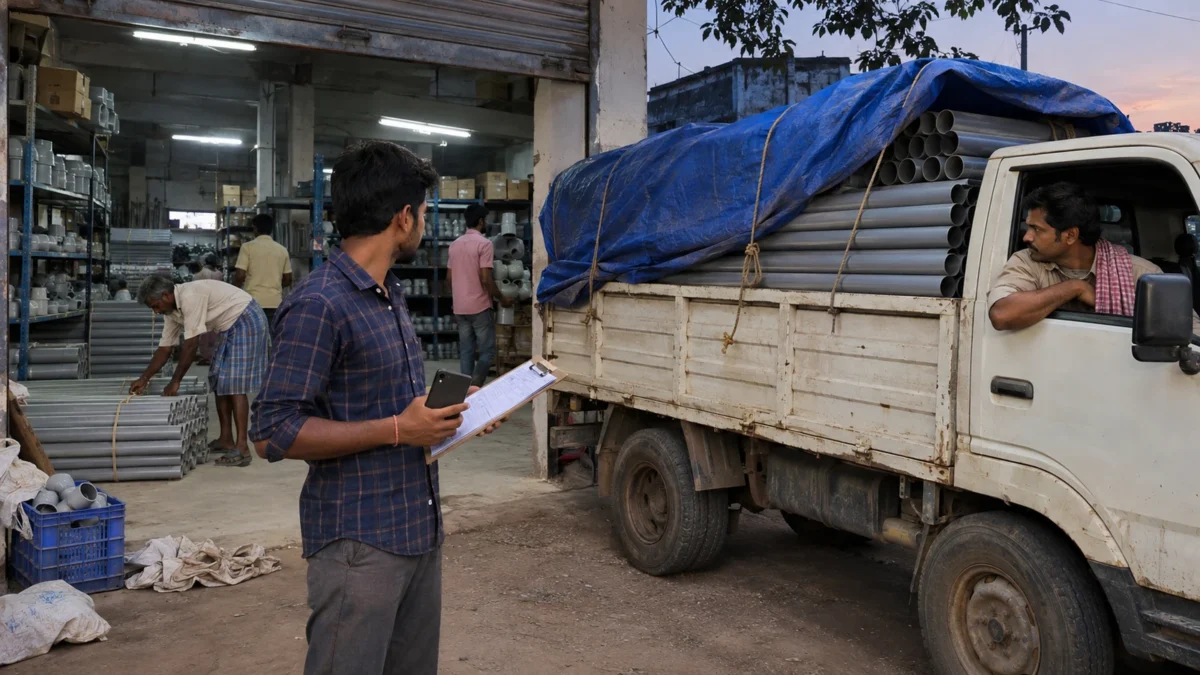
A loaded truck stands outside a hypothetical pipe-fittings distributor in Jajpur Road at dusk. The driver cannot leave without an e-way bill, the e-way bill needs the invoice, and the invoice is waiting for stores to confirm how many bundles went on the truck. That is three modules and one delay.
An ERP modules list is really a map of who records which step, and which legal document each step produces. We build custom ERP software, so weigh our view with that in mind.
What is an ERP module?
An ERP module is the part of an ERP that one department uses for its own work, such as purchase or payroll. Every module writes to the same database, so one entry updates every report that depends on it.
When stores in that Jajpur Road godown enter a goods receipt note (GRN), the record of what actually arrived, inventory rises, purchase marks the order received, and accounts gets a supplier bill to match. Nobody retypes anything.
People searching “types of ERP” usually mean hosting (cloud or your own server) or purpose (general or industry-specific). Modules matter more, because they set the scope and the cost of your project.
ERP modules list at a glance
Here we group modules into five families: core, operations, people, customer-facing and control. The table lists common ERP modules and functions, and the Indian output each one owns.
| Module | What it does | Main Indian output |
|---|---|---|
| Accounts and finance | Ledgers, bank, receivables, payables | GST return data, TDS statements |
| Sales | Quotations, orders, invoices, credit limits | GST invoice, e-invoice IRN |
| Purchase | Purchase orders, supplier bills, bill matching | Checked input tax credit |
| Inventory | Stock by godown, batch and expiry; transfers | Stock valuation and ageing |
| Production | Bills of materials, work orders, scrap | Job work records |
| Quality | Incoming and in-process checks | Rejection and return notes |
| Warehouse and dispatch | Bins, picking, packing, vehicles | E-way bill |
| HR and attendance | Employee records, shifts, leave | Appointment letters, registers |
| Payroll | Salary, deductions, contributions | PF file, salary TDS data |
| CRM and service | Leads, follow-ups, complaints, AMC visits | Pipeline and service history |
| POS and online orders | Counter billing, web orders | B2C invoices |
| Control | Approvals, audit trail, dashboards | Edit log, MIS reports |
Core ERP modules: what do accounts, sales, purchase and inventory handle?
The four core ERP modules handle money and stock, which every trading, distribution or manufacturing SME touches daily. Get these right before adding anything else.
Accounts (ERP finance)
The accounts module, often called ERP finance, keeps ledgers, bank reconciliation, receivables and payables, and prepares the GST and TDS data your CA files. Under the Income-tax Act, 2025, in force from 1 April 2026, the quarterly TDS statement for non-salary payments is Form 140 (earlier Form 26Q), according to the Income Tax Department’s form mapping guide.
Payables should also hold each supplier’s Udyam status. Section 15 of the MSMED Act, 2006 caps the agreed payment period for micro and small suppliers at 45 days from acceptance. If your books need trade-specific ledgers, custom accounting software can sit inside or beside the ERP.
Sales
The sales module runs quotation, order, invoice and collection. Where e-invoicing applies, it sends each invoice to the Invoice Registration Portal (IRP), which returns an Invoice Reference Number (IRN), a signed e-invoice and a QR code. According to the GST e-invoice system overview, the same data populates GSTR-1 and can generate the e-way bill.
Purchase
The purchase module matches three documents: the purchase order, the GRN and the supplier’s bill. The GST portal’s Invoice Management System (IMS) lets a buyer accept, reject or keep pending each invoice its suppliers report, and the GSTN FAQ on IMS says records left without action are deemed accepted when GSTR-2B is generated. A purchase module that flags unmatched bills tells you what to reject before that happens.
Inventory management in ERP
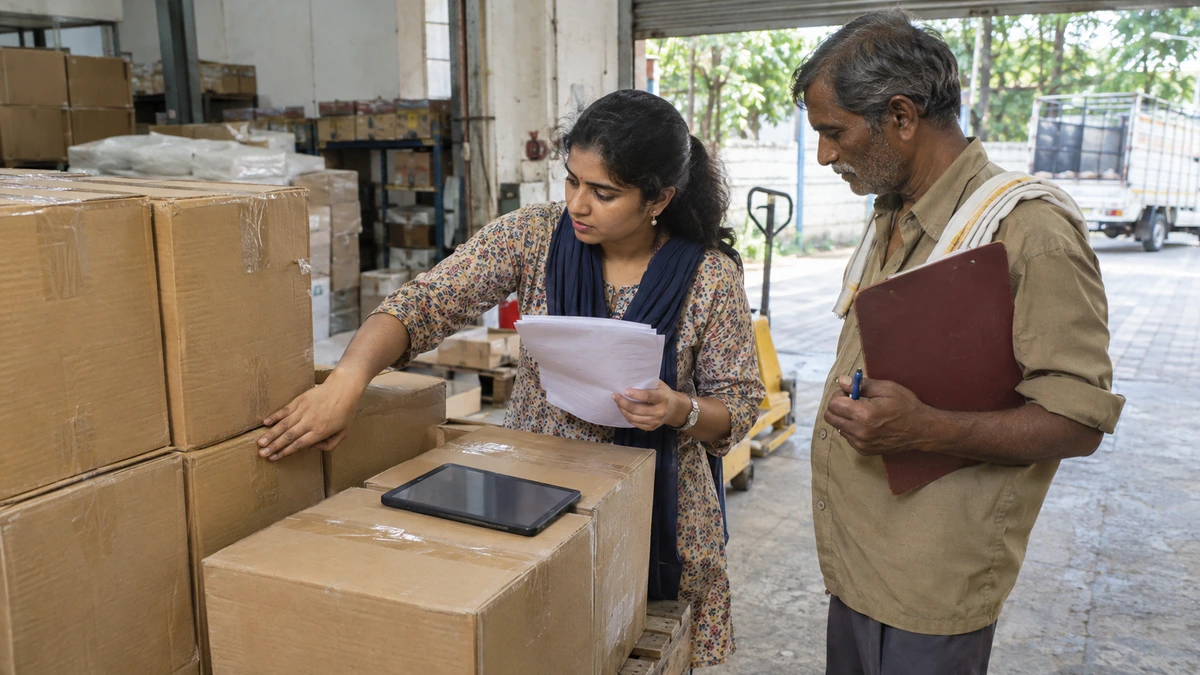
Inventory management in ERP tracks stock by godown, batch and expiry, with transfers, reorder levels and valuation. If you run one godown with a short item list and stock matches when counted, your accounting software’s inventory is probably enough. Two or more godowns, batches or job work are the point where a proper inventory module pays for itself.
Operations modules: what do production, quality, warehouse and dispatch record?
Operations modules record the physical work between purchase and sale. Traders need dispatch; manufacturers need production and quality as well.
- Production and BOM: a bill of materials (BOM) lists the raw materials needed for one unit. Work orders issue material against it, record output and scrap, and track material sent for job work. See how manufacturing ERP software handles this.
- Quality: incoming and in-process checks, with rejections linked to the supplier and the debit note.
- Warehouse: bin locations and picking lists for larger godowns. A single small godown rarely needs it.
- Dispatch: packing, vehicle and transporter details. The e-way bill portal describes the e-way bill as an electronic document for moving goods above the value limit set in GST rules, generated when the movement begins.
People modules: what do HR, payroll and attendance cover?
An HR ERP covers employee records, attendance, leave and payroll, and in India it must follow the new Labour Codes. With a small team on fixed salaries and no shifts, a payroll service may be enough.
The four Labour Codes took effect on 21 November 2025, according to the Press Information Bureau, and they make appointment letters mandatory for all workers. The Ministry of Labour’s FAQ on the Labour Codes says one definition of wages applies across all four Codes: if allowances other than basic pay, dearness allowance and retaining allowance exceed 50% of total remuneration, the excess is added back to wages.
A payroll module should apply that rule, produce the PF file EPFO’s Electronic Challan-cum-Return (ECR) expects, and prepare data for Form 138, the quarterly salary TDS statement that replaced Form 24Q. As of November 2026, the same FAQ says older rules continue until new rules under the Codes are notified, so confirm current rules with your payroll consultant.
Customer-facing modules: CRM, service, POS and online orders
Customer-facing modules matter when sales depend on follow-ups, repeat service or counter speed.
- CRM: leads, follow-ups and quotations that convert into sales orders without retyping.
- Service: complaints, AMC visits and spares used, tied to the customer’s purchase history.
- POS and online orders: barcode billing at the counter and web orders that reduce the same stock.
Control modules: what do approvals, audit trail and reports do?
Control modules decide who may do what, record who changed what, and show the owner what matters each morning.
- Approvals: purchases above a set value, discounts and credit-limit overrides go to a named approver.
- Audit trail: for financial years starting on or after 1 April 2023, the proviso to Rule 3(1) of the Companies (Accounts) Rules, 2014 requires companies using accounting software to record an audit trail of each transaction, with a dated edit log that cannot be disabled, as ICAI’s journal summarises it.
- Reports: daily sales, stock ageing, receivables and MSME supplier dues on one dashboard.
Indian compliance each ERP module must handle
Each Indian compliance duty belongs to a specific module, and that is where gaps usually show up. Use this table to test any ERP demo.
| Module | What goes wrong today | What the module records or automates | Report or alert the owner sees |
|---|---|---|---|
| Sales | Invoices retyped on the portal for the IRN | Sends the invoice to the IRP on save; stores IRN and QR | Invoices pending IRN |
| Dispatch | Truck waits for the e-way bill | Builds the e-way bill from invoice and vehicle details | Dispatches without an e-way bill |
| Purchase | Supplier invoices deemed accepted in IMS unchecked | Matches order, GRN and bill before IMS action | Bills to reject or keep pending |
| Payables | TDS missed; micro and small suppliers paid late | TDS type per vendor; due date from acceptance | TDS due list; MSME dues ageing |
| Payroll | Allowances outside the wage definition | Applies the wage rule; PF and salary TDS data | Monthly statutory summary |
| Accounts | Entries edited with no trace | Audit trail and edit log that cannot be switched off | Change log for the auditor |
This is general information, not legal or tax advice. Check how each rule applies to your business with your CA.
Which ERP modules should you start with, by business type?
Start with the modules that touch money and stock every day. Add the next one only when that department’s work is clearly slipping.
| Business type | Start with | Add next | Can usually wait |
|---|---|---|---|
| Trading or distribution | Sales, purchase, inventory, accounts | Dispatch, CRM | Production, quality |
| Manufacturing | Inventory, purchase, production, accounts | Quality, payroll | POS, service |
| Services and AMC | CRM, service, sales, accounts | HR and payroll | Warehouse, production |
| Retail counters | POS, inventory, accounts | Online orders, CRM | Production, quality |
A hardware distributor in Baripada fits the first row. A rice mill near Bargarh fits the second, with paddy-to-rice yields tracked in production. An air-conditioner service firm in Visakhapatnam fits the third and may never need warehouse bins.
Module checklist for your requirements document
Take this checklist to any vendor, SITS included, and ask to see each point on your own data.
- List the modules you need now and the ones you expect within two years.
- For each module, name the person who will enter data and the report you want from it.
- Confirm all modules share one database, and later modules will not need masters re-created.
- See an e-invoice and an e-way bill generated from inside sales and dispatch, including an error case.
- Check that purchase matching supports your IMS decisions before GSTR-2B is generated.
- Check that payables hold TDS types and Udyam status, with MSME due dates.
- Ask how payroll applies the Labour Codes wage definition, and who updates it when rules change.
- Confirm the audit trail cannot be switched off, and data export is agreed in writing.
How SITS can help
Swadhin IT Solutions (SITS India) builds custom software, including ERP, billing and GST, inventory and HR/payroll systems. We scope modules with you, start with the ones your business uses daily, and give a written estimate. Our ERP software development page explains how we work.
Frequently asked questions
How many modules does an ERP have?
There is no fixed number. Vendors split work differently, so one product’s inventory module may be another’s stock plus warehouse modules. For an Indian SME, the useful count is the modules you will use: usually the four core ones, accounts, sales, purchase and inventory, plus one or two of production, payroll, CRM or service.
Which ERP module matters most for a small business?
For most trading and manufacturing SMEs, inventory matters most, because stock is where money is tied up and where records drift first. For service firms with little stock, sales and receivables matter more. Accounts matters to everyone, but many SMEs already have accounting software they can link to instead of replacing.
Can we start with a few modules and add more later?
Yes, and it is usually the safer path. Start with the modules your staff use every day, stabilise them, then add the next. Get written confirmation that later modules use the same database, and that items, customers and suppliers will not need to be re-created when they are added.
Does an ERP need a separate GST module?
Usually not. GST is spread across modules: sales calculates tax and generates e-invoices, dispatch builds e-way bills, purchase handles input tax credit matching, and accounts prepares return data. What you need are correct HSN codes and tax rules in the masters, plus links to the e-invoice and e-way bill systems where they apply.
Is payroll part of an ERP?
Usually yes, within the HR module group, but many SMEs run payroll outside the ERP through a payroll service or their accounting software. Bring payroll into the ERP when attendance, shifts or production incentives drive salaries, or when you want labour cost by job or department.
What is the difference between an ERP module and a feature?
A module is a whole area of work used by one department, such as purchase. A feature is one thing a module does, such as matching the order, receipt and bill. A module list defines scope, while an ERP features list compares detail. In a requirements document, list modules first, then the features each must have.